ilert now supports a native WhaTap integration




ilert now supports a native WhaTap integration, connecting AI-native observability with AI-first incident management in a seamless workflow. This integration allows DevOps, SRE, and IT teams to move instantly from detection to resolution – cutting through alert noise, improving coordination, and dramatically reducing MTTR in even the most complex IT environments.
What is WhaTap?
WhaTap is an AI-native observability platform that provides unified monitoring across servers, applications, databases, and Kubernetes, all in a single SaaS platform. Its advanced data integration and correlation analysis technologies give teams real-time visibility into system issues and help identify root causes quickly.
Currently, WhaTap serves over 1,200 customers across domestic and international markets and is expanding globally, including Japan, Southeast Asia, and the United States.
Why connect WhaTap to ilert?
The ilert WhaTap integration transforms deep observability into immediate action. By linking WhaTap’s unified monitoring with ilert’s AI-first incident management platform, DevOps and IT operations teams can fully automate their incident response. As soon as WhaTap detects anomalies or performance issues in Kubernetes environments or databases, ilert instantly alerts the right on-call engineer via voice, SMS, or mobile push notifications.
The result is a seamless transition from detection to resolution. ilert enhances WhaTap alerts with on-call schedules, automated escalations, and AI-assisted incident communication, enabling faster coordination and clearer ownership. Together, WhaTap’s deep observability and ilert’s powerful response engine help SREs and IT teams reduce downtime, improve collaboration, and dramatically cut MTTR, even in highly complex IT environments.
How to set up the integration?
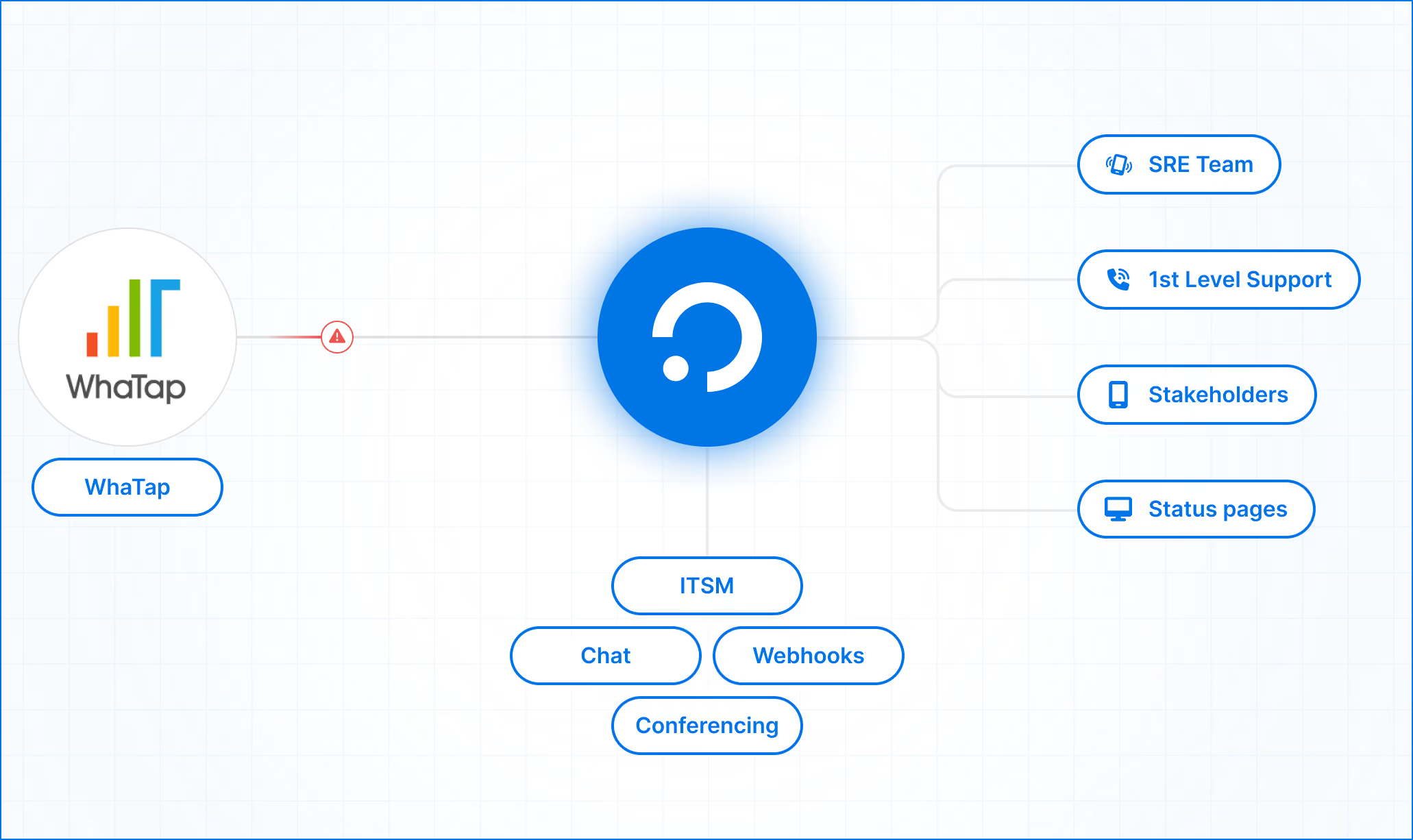
Follow these simple steps to connect WhaTap to ilert:
- In ilert:
- Go to Alert Sources → create a new alert source for WhaTap
- Name it, assign teams, choose an escalation policy, and select alert grouping
- Finish setup to generate a webhook URL
- In WhaTap:
- Open the project for alerts → go to Alert → Notifications
- Add a 3rd party plugin → choose Webhook JSON
- Paste the ilert webhook URL and register the webhook
- Start receiving alerts:
- WhaTap events will now flow directly into ilert, triggering automated incident workflows
For a full step-by-step guide, visit docs.ilert.com. If you encounter any issues, our support team is ready to help at support@ilert.com.