New features: redesigned navigation, Edge Connector behind your firewall and more



From a redesigned navigation and the new ilert Marketplace to dynamic service mapping and on-prem alert delivery, here's everything that's shipped across this quarter.
Navigation
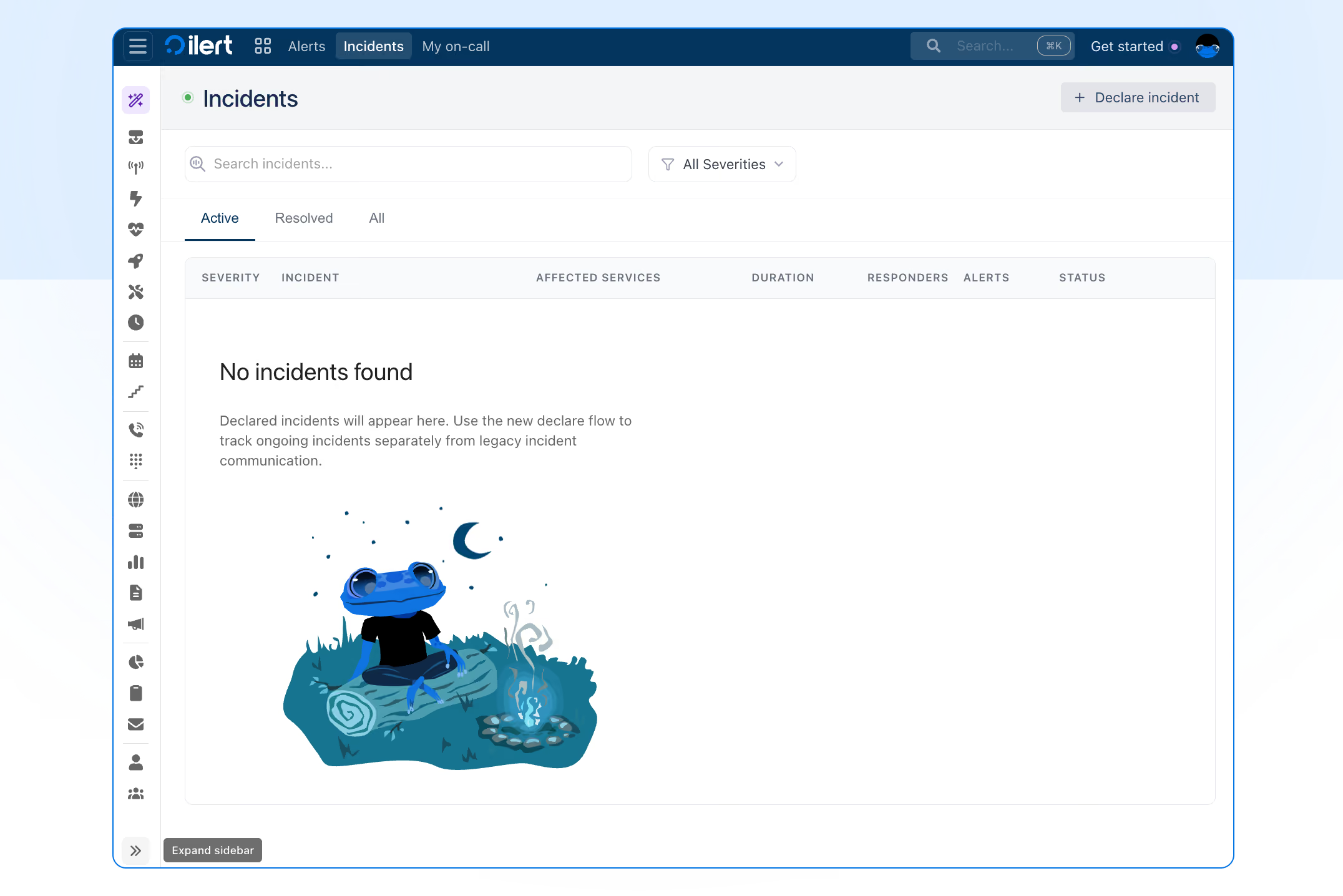
A new way to navigate ilert
We've redesigned ilert's navigation to keep your operational work front and center while giving the rest of the platform room to breathe. Your day-to-day views: Dashboard, Alerts, Incidents, and My on-call, now live in a persistent top bar, and everything else moves into a new vertical sidebar with three ways to work:
- Keep the full menu open, with labels and section headings.
- Collapse it out of the way to reclaim screen space.
- Toggle between the two with the hamburger button.
Open your profile menu and switch on "New navigation" to try it.
Every page in ilert is now searchable
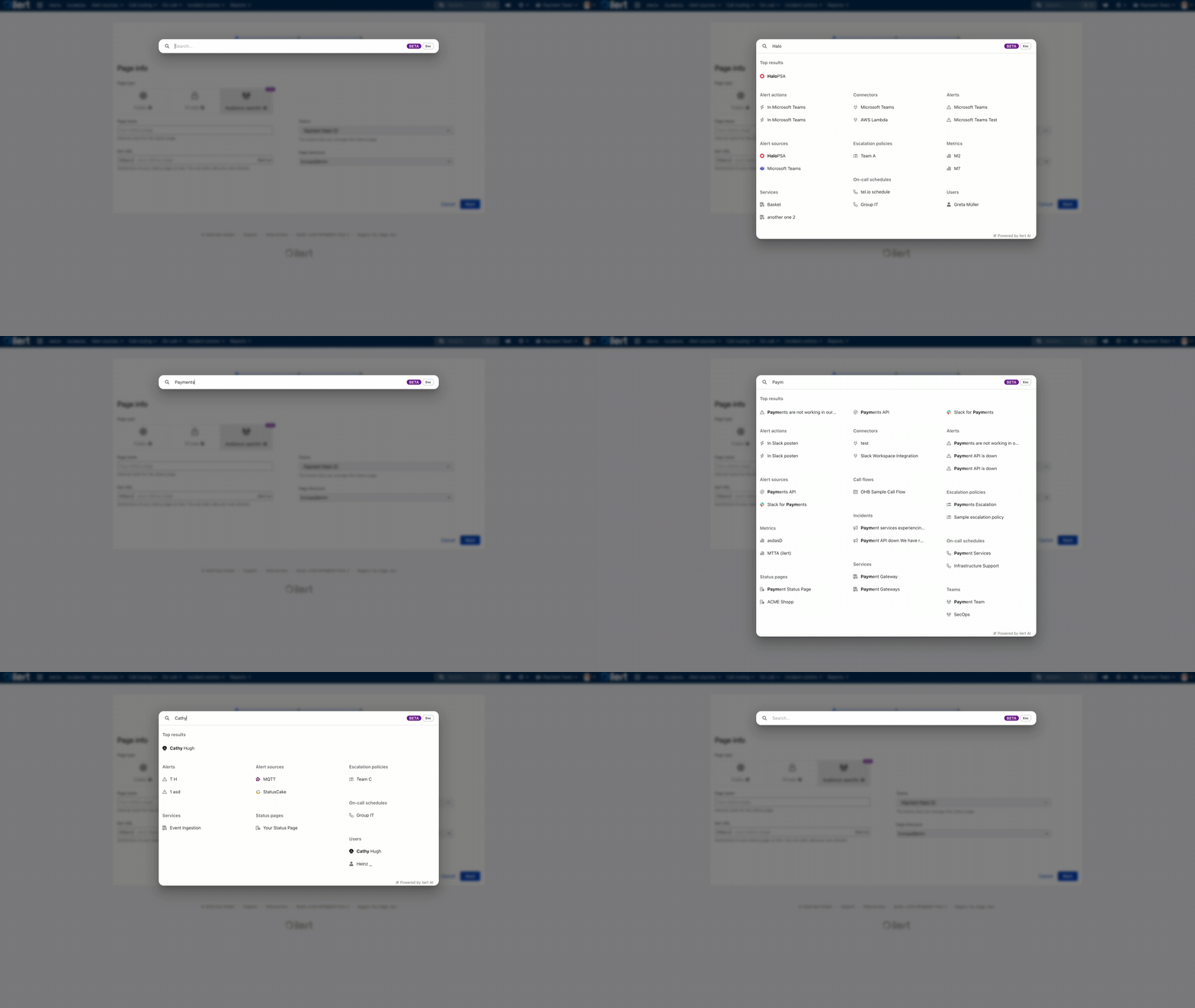
Every page in ilert is now reachable from the global search bar. Click the search icon and start typing: Alert sources, Escalation policies, Heartbeat monitors, Audit logs, and you'll land there in seconds.
Click the search icon to try it. A new ⌘K / ctrl+K command palette lets you jump to any page or entity in a single keystroke.
Alerting & Incident Management
Dynamic service mapping
Dynamic service mapping is here. Define which alert fields carry your service information such as labels.service from Grafana, tags.service from Datadog and ilert automatically extracts those values and links the relevant services to every incoming alert. No more manual tagging. And when a service doesn't exist yet, enable auto-create and ilert provisions one for you, ready for review.
A head start on alert templates
Building an alert template from a blank page meant knowing every variable and field, and how you wanted them laid out, before you could see anything useful. Now, when you set up a template for one of our most popular integrations, you'll find a default already filled in, modeled closely on how ilert formats those alerts out of the box, so you start from a working template instead of zero. Edit any part of it, leave the rest, and ship. Try it next time you create or edit an alert source template.
Find the maintenance window you need, faster
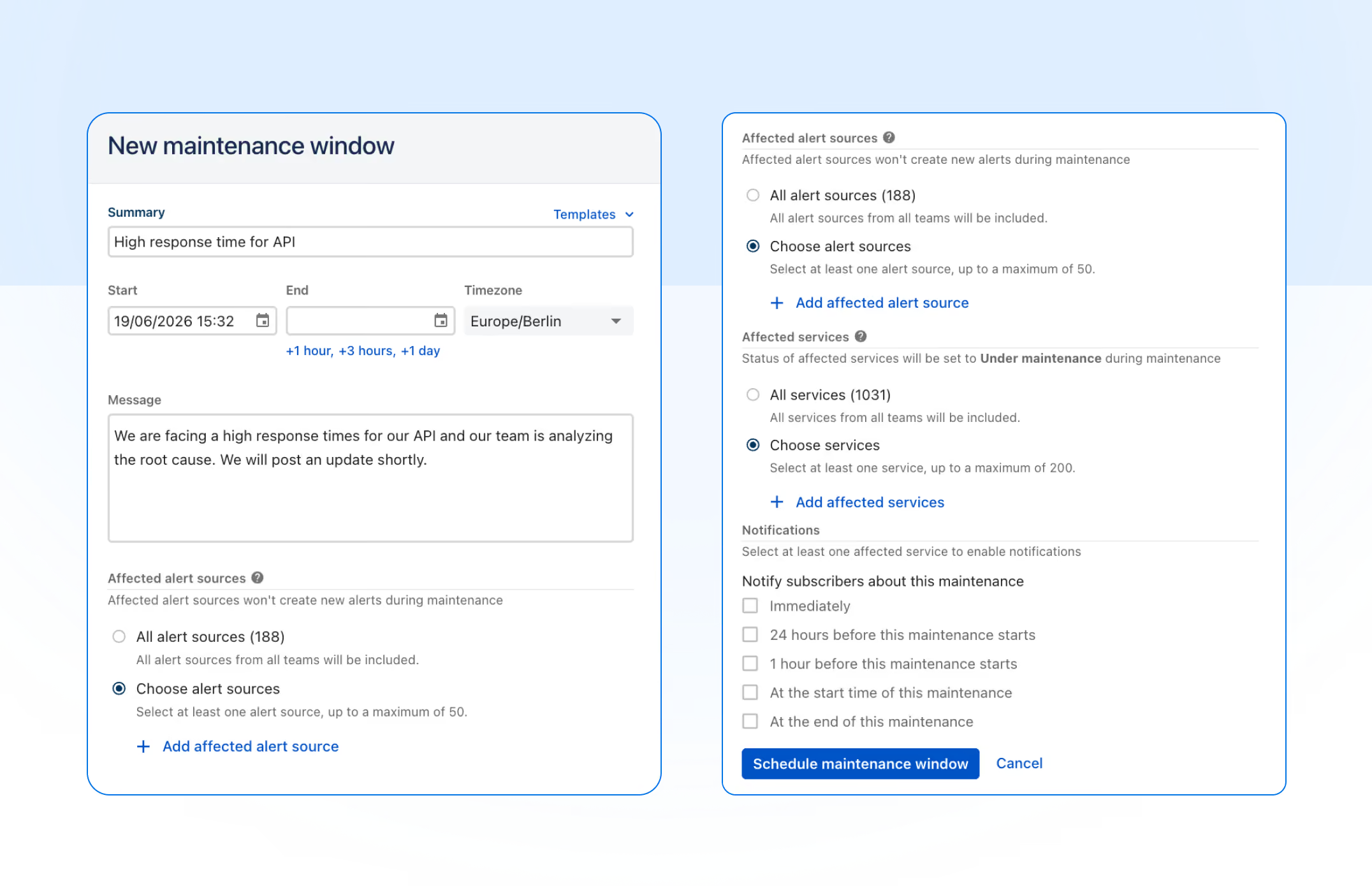
The maintenance windows list now supports the same filters as our API: narrow results by service, by alert source, and by date range with from/until pickers. Whether you're auditing past windows for a specific service, checking what's scheduled on a given alert source, or pulling up everything happening next week, you can get there in a couple of clicks instead of scrolling. Filters combine, and the URL updates as you go, so you can bookmark or share a filtered view with your team. Head to Alerting → Maintenance windows to try it.
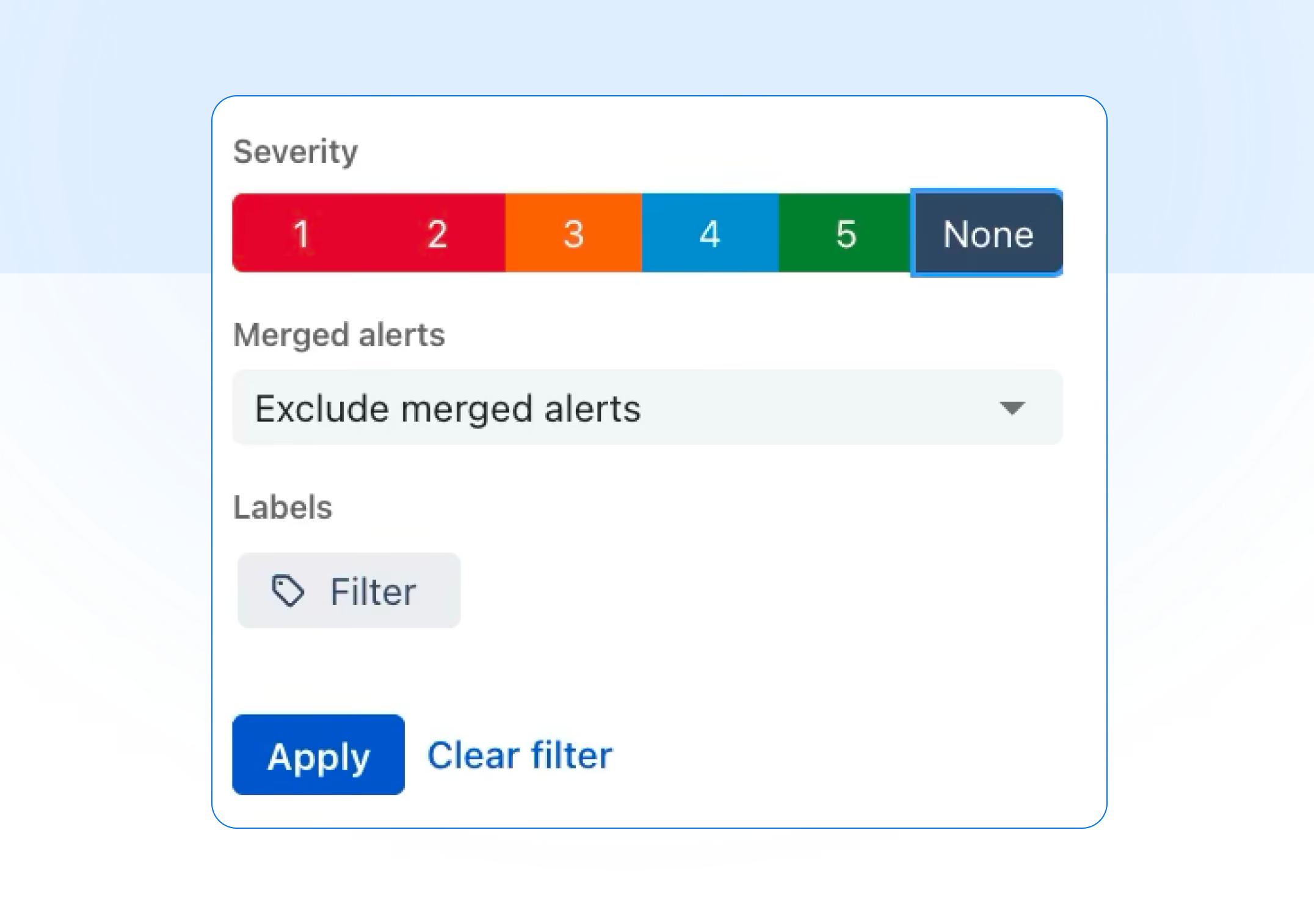
Filter alert reports by severity
Alert reports now support filtering by severity, so you can analyze your data the way your team triages it. Filter by any combination of levels 1–5 (or "None"), and stack it with existing filters for teams, sources, escalation policies, responders, priority, and labels. Open any alert report parameters and look for the Severity selector under Filters.
Connectivity
Reach tools behind your firewall with the Edge Connector
ilert alerts can now reach tools behind your firewall. The new Edge Connector runs inside your network, pulls events from ilert, and delivers them locally to your on-premise systems, no inbound ports, no firewall changes. Read the Edge Connector docs to get started.
Billing
Self-serve quotes, no email exchange required
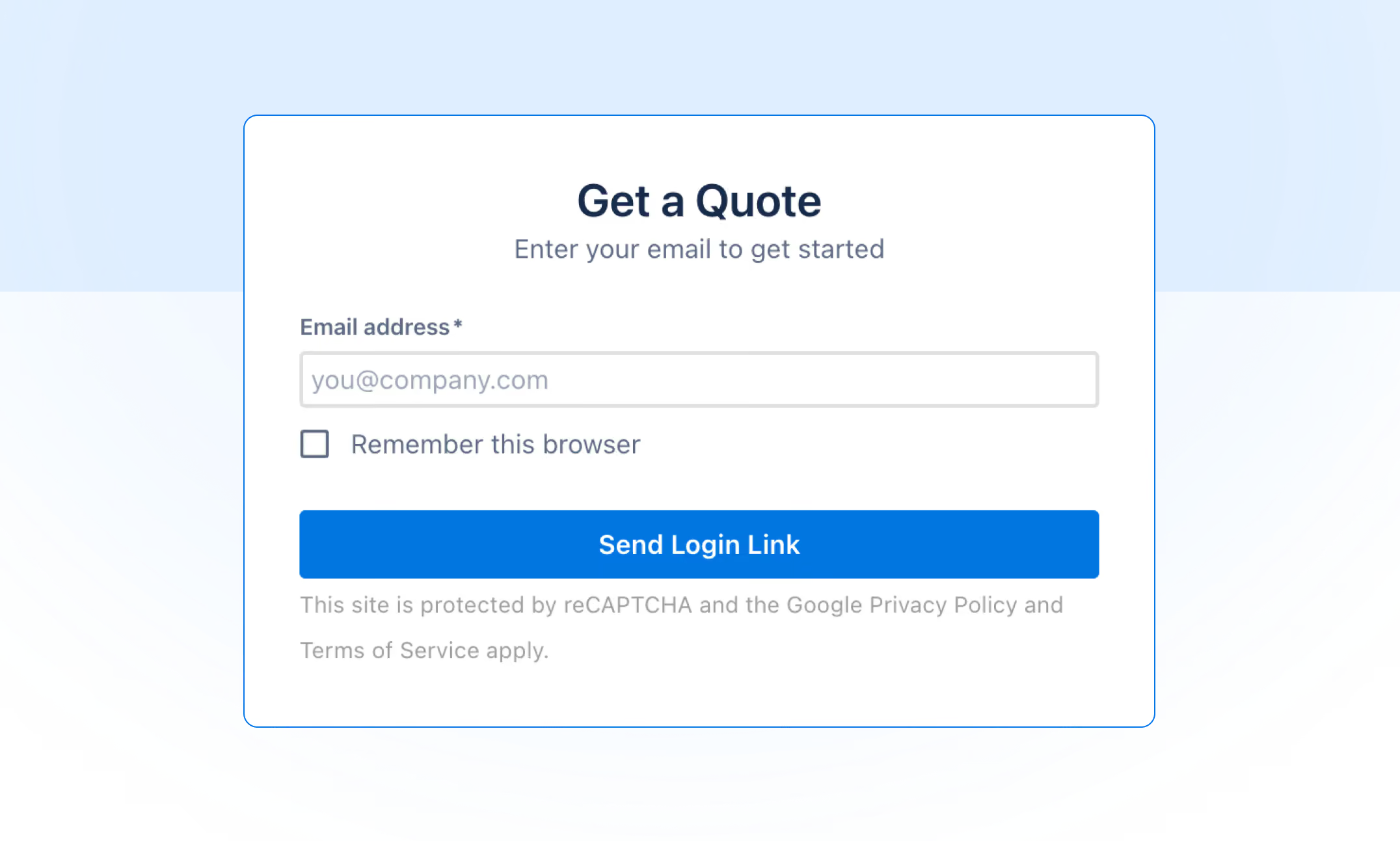
Needing a formal quote for procurement used to mean emailing us and waiting for someone to put one together. Now you can do it yourself. Head to quotes.ilert.com, pick your plan, set your user count and add-ons, choose monthly or yearly, fill in your company details, and you'll get a professionally branded PDF quote in your inbox in seconds, no ilert account required, so you can share the link with whoever owns the buying decision.
When it's time to subscribe, paste the quote ID into the "Have a quote?" field at checkout and your plan, seats, and add-ons are pre-filled exactly as quoted. Enterprise quotes (50+ users) still run through sales@ilert.com so we can tailor terms to your organization.
Marketplace
Introducing the ilert Marketplace
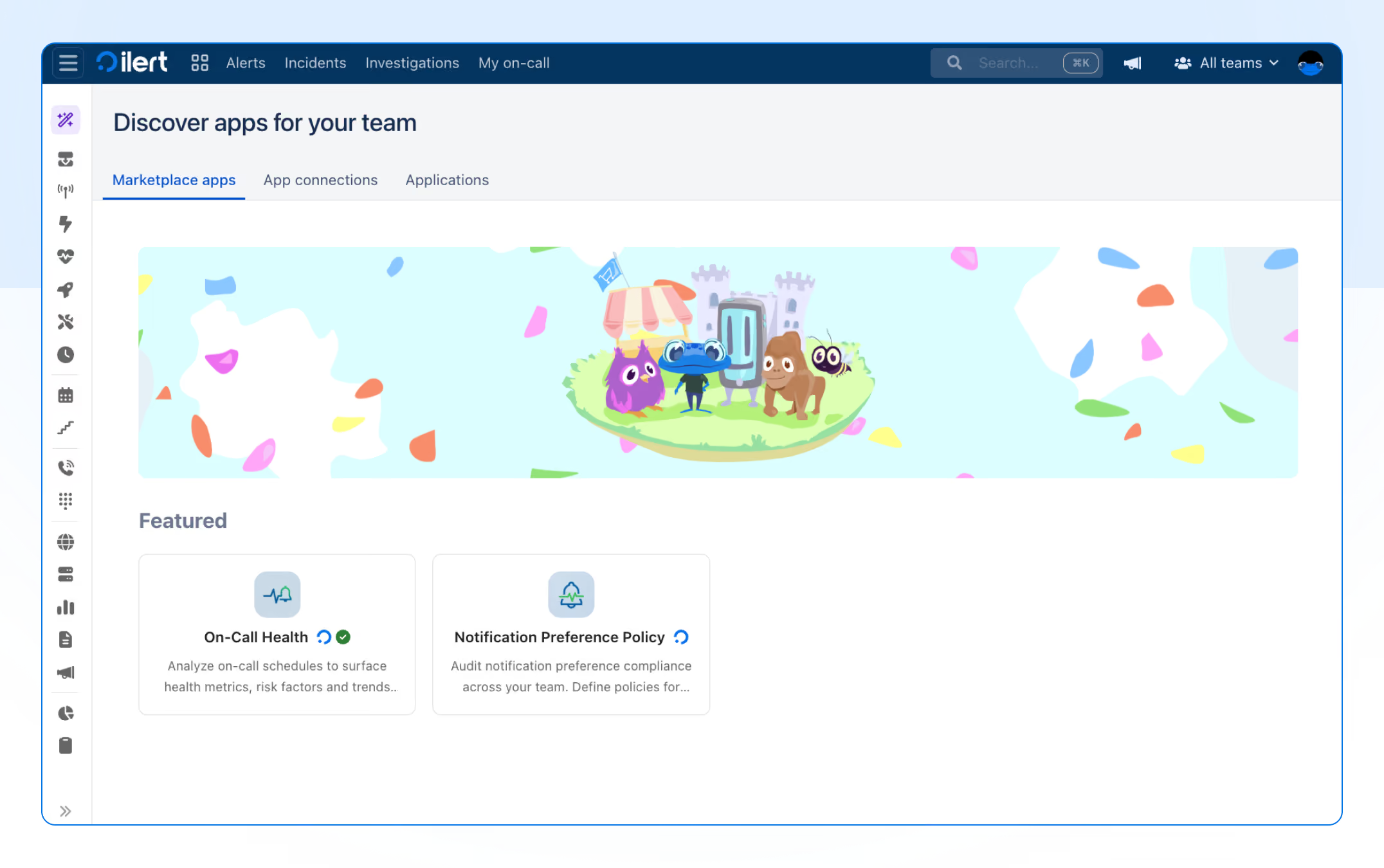
The ilert Marketplace is a new home for apps that extend what ilert can do. It launches with two apps built to keep your team covered and healthy.
Notification Preference Policy
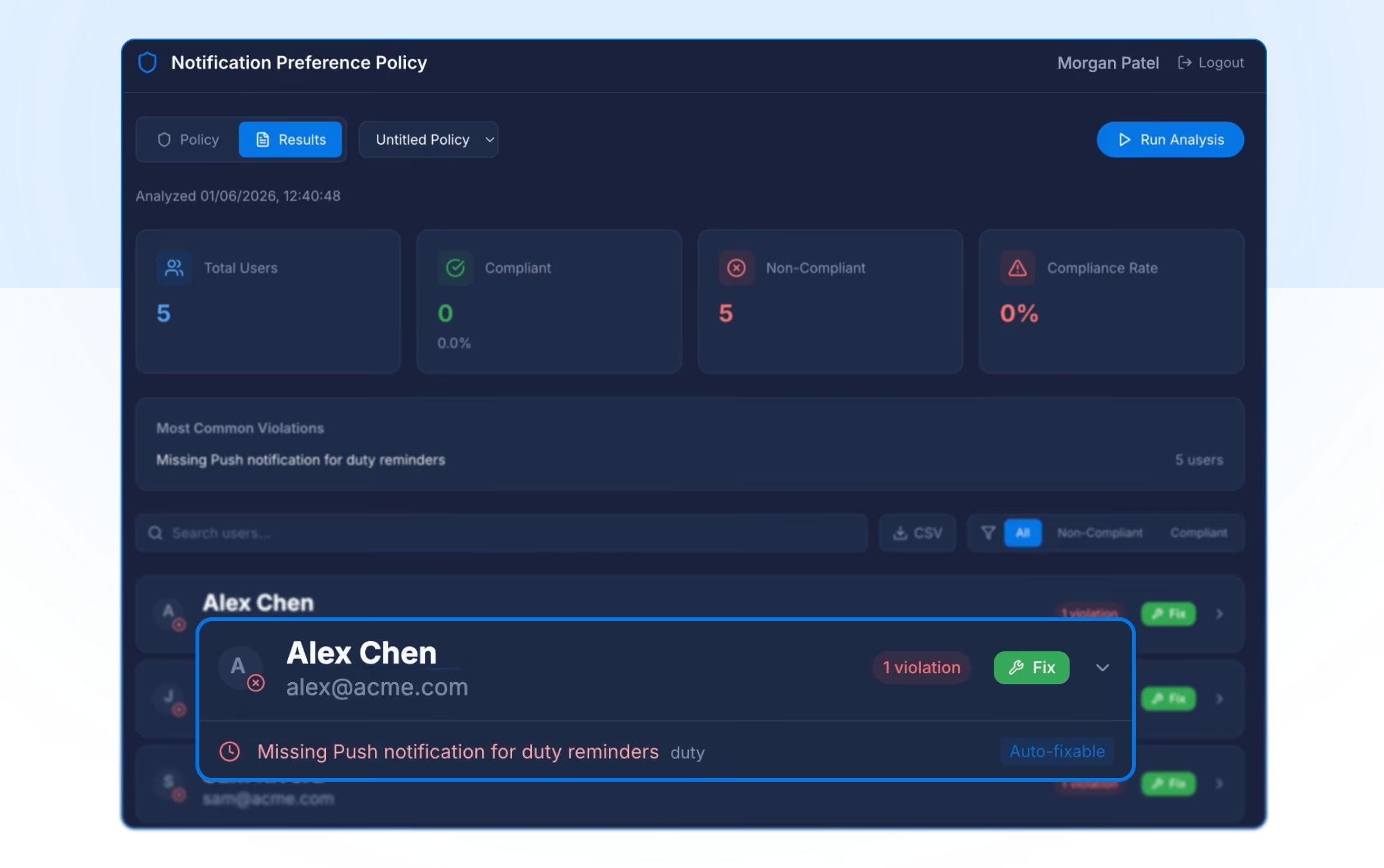
Notification Preference Policy lets you audit notification compliance across your team. Define the policies that matter: required channels, escalation delays, then instantly highlight any users whose preferences don't meet your coverage requirements. When gaps appear, auto-fix brings them into line in a click, so no critical alert slips through because someone wasn't set up correctly.
On-call Health
On-call Health turns your scheduling data into insight. Analyze on-call schedules to surface health metrics, risk factors, and trends across your teams, spot burnout before it takes hold, and make data-driven decisions that improve on-call quality. It also factors in legal limits by country, so your rotations stay compliant with regional working-time regulations wherever your team is based.
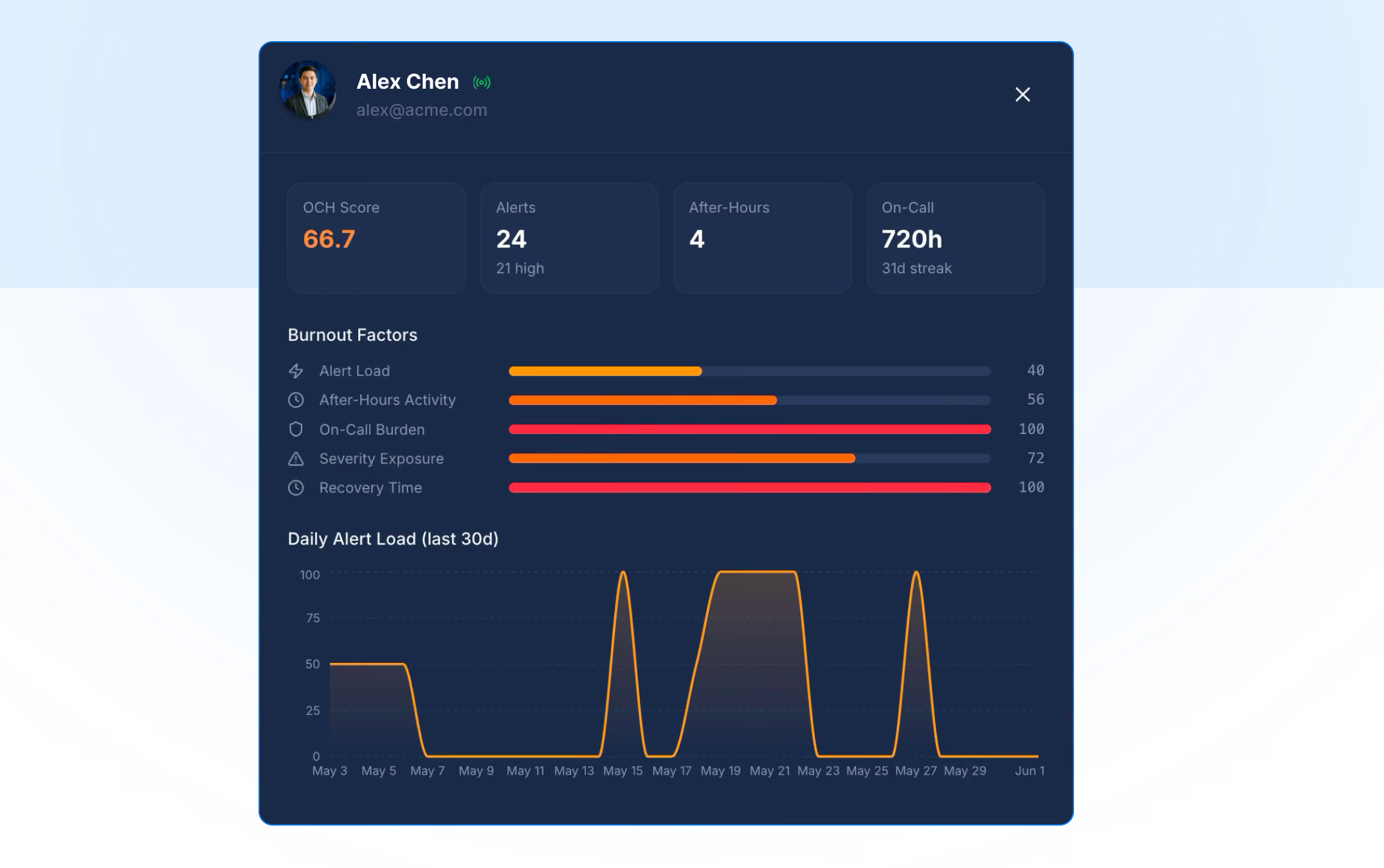
Both apps are available now. Find the Marketplace under your profile menu.
New Integrations
Uptime: Uptime is a cloud-based website monitoring platform that checks the availability, performance, and functionality of websites, APIs, and services from 80+ global monitoring locations, with checks running as frequently as every 30 seconds.
Wazuh: Wazuh is an open-source security platform from the US, it unifies XDR and SIEM capabilities to protect workloads across on-premises, virtualized, containerized, and cloud environments.
Sekoia: Sekoia is the European cybersecurity company building the Cyber Operations Platform for the AI era. Unifying threat detection and response, cyber threat intelligence, exposure management, and agentic AI, Sekoia is rebuilding cybersecurity from the ground up.