

Thank you! Your submission has been received!
Oops! Something went wrong while submitting the form.
SysAid is an AI-native ITSM platform built to automate the heavy lifting of modern IT. Unlike legacy tools, SysAid uses built-in AI to proactively prioritize tasks, summarize ticket histories, and provide instant resolutions to end users and IT admins alike. By centralizing assets and workflows into an intelligent ecosystem, SysAid moves IT teams away from manual ticket handling and toward high-speed, automated service delivery.
When you connect SysAid with ilert, tickets and ticket updates can automatically create, update, and resolve alerts in ilert – ensuring the right on-call engineers are notified with context, routed by priority or service, and escalated until acknowledged. This closes the gap between ITSM workflows and real-time incident response, helping teams shorten detection-to-response time and lower MTTR.
This integration creates a unified workflow that pairs the predictive power of AI with the lightning-fast execution required during a service disruption.
Get a call on your phone whenever there's an issue and accept alerts with one click.
Use ilert apps to receive alerts on your smartwatch and be notified even when your phone is in Sleep Mode. You can acknowledge alerts with just one tap.
In many countries, ilert text messages are sent from local numbers. Just reply to SMS to take over the alert.
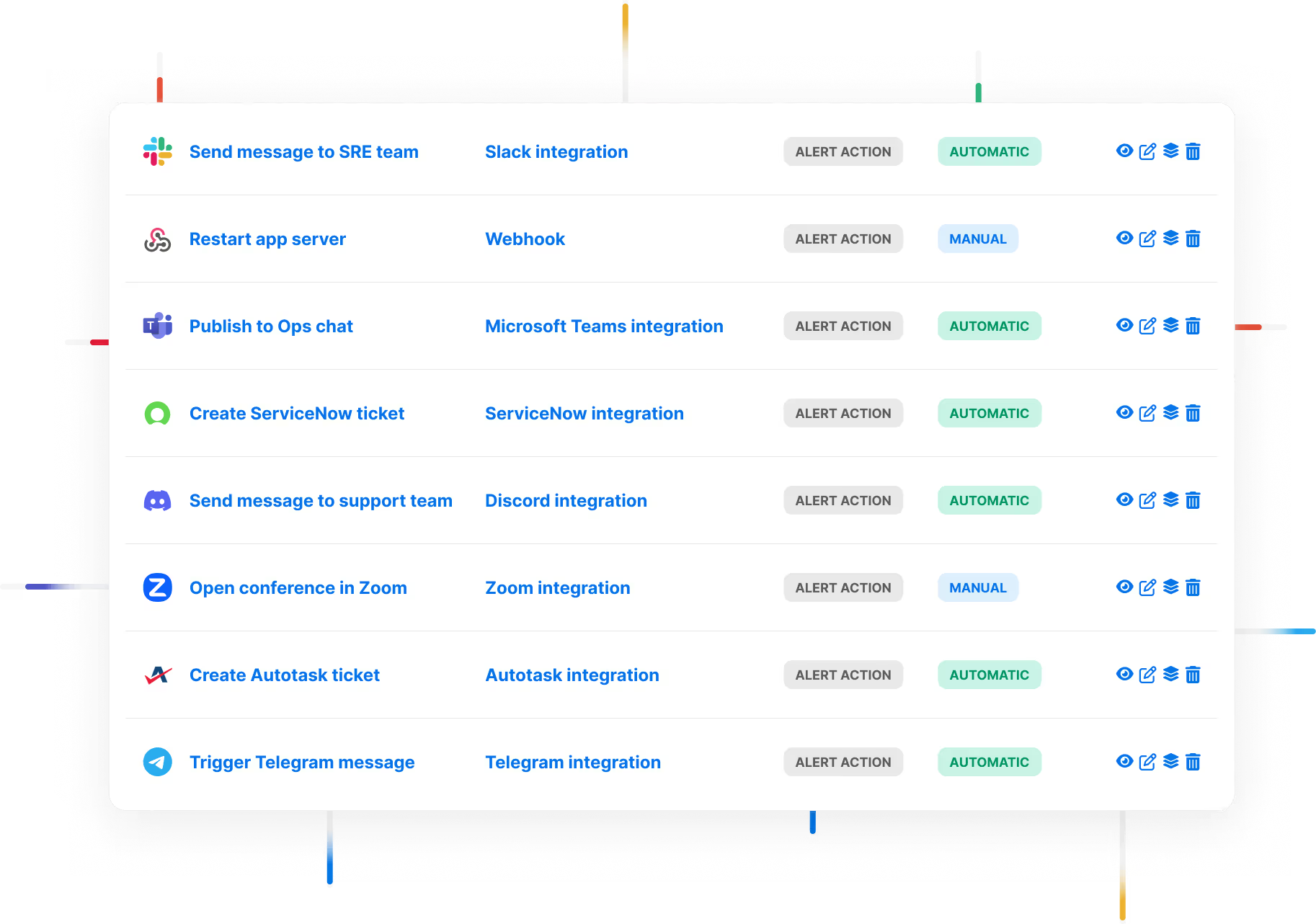
Send alerts to Microsoft Teams, Slack, Telegram, WhatsApp and DignTalk, and use ilert ChatOps features to streamline your incident management process.

ilert's intelligent grouping feature employs a sophisticated approach to minimize alert duplication.

Advanced reporting capabilities give on-call teams insights into all-things on-call and report key metrics like MTTA, MTTR, Time on-call and Time spent on alerts.

Establish trust and relay incidents swiftly using status pages integrated with your infrastructure.

ilert offers a flexible scheduling solution that lets you create rotation-based recurring schedules, and static schedules with a calendar like UI.