

Thank you! Your submission has been received!
Oops! Something went wrong while submitting the form.
Sophos Central is the cloud console that manages Sophos endpoint, server, and firewall protection, and it collects the alerts those products raise, such as malware detections, blocked threats, and tamper attempts. With this integration, those alerts automatically create alerts in ilert: ilagent, ilert’s agent, polls the Sophos Central SIEM API every 60 seconds and forwards each new Sophos alert to your ilert alert source, and ilert routes it to the on-call responder through your escalation policy, via push, SMS, voice call, or chat. Each ilert alert carries the Sophos severity and the full Sophos record, including alert type, endpoint, threat, and file path, so responders see what was detected and where. The integration is one-directional and runs ilagent on an always-on host of your own, via Docker or as a binary.
Get a call on your phone whenever there's an issue and accept alerts with one click.
Use ilert apps to receive alerts on your smartwatch and be notified even when your phone is in Sleep Mode. You can acknowledge alerts with just one tap.
In many countries, ilert text messages are sent from local numbers. Just reply to SMS to take over the alert.
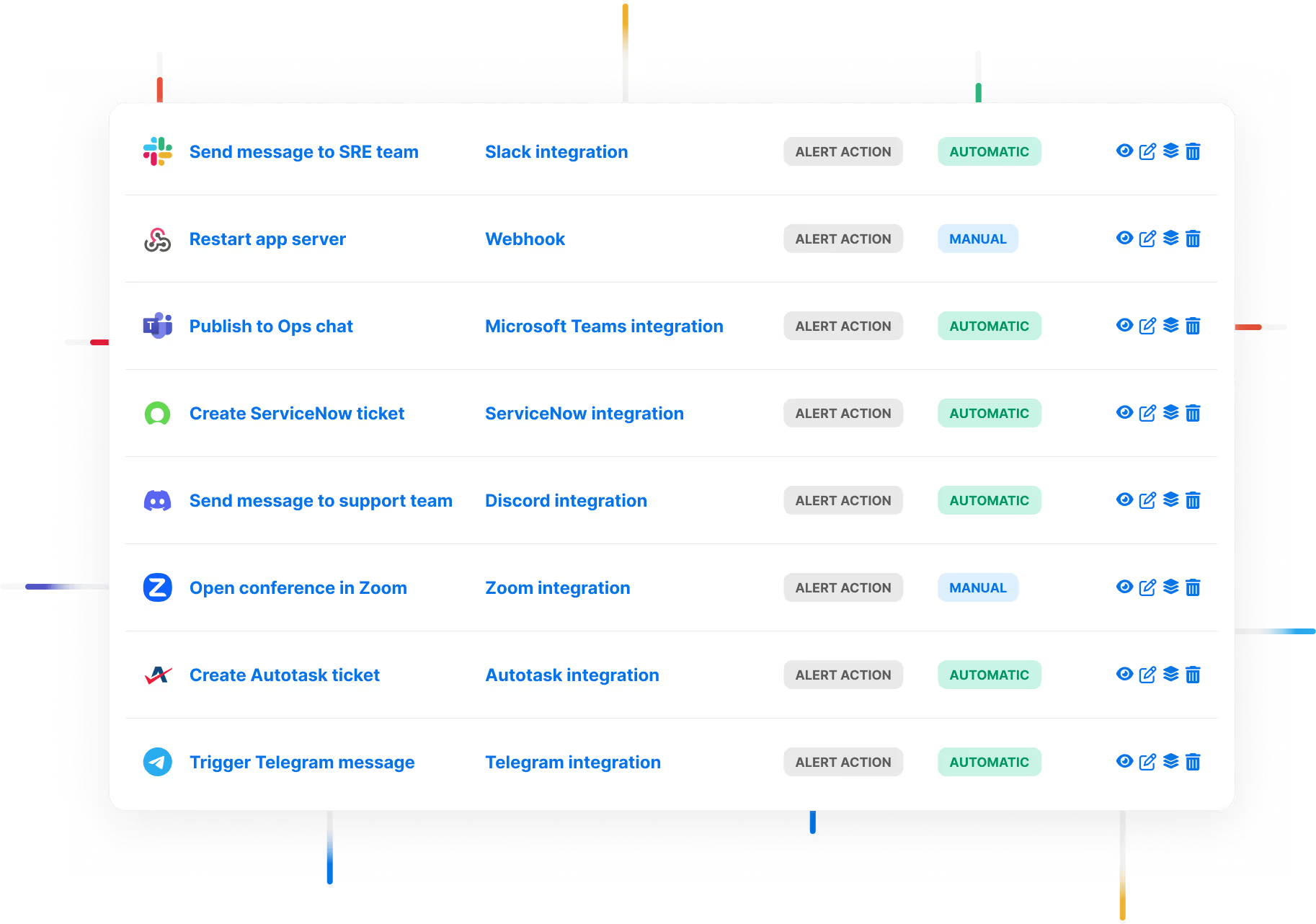
Send alerts to Microsoft Teams, Slack, Telegram, WhatsApp and DignTalk, and use ilert ChatOps features to streamline your incident management process.

ilert's intelligent grouping feature employs a sophisticated approach to minimize alert duplication.

Advanced reporting capabilities give on-call teams insights into all-things on-call and report key metrics like MTTA, MTTR, Time on-call and Time spent on alerts.

Establish trust and relay incidents swiftly using status pages integrated with your infrastructure.

ilert offers a flexible scheduling solution that lets you create rotation-based recurring schedules, and static schedules with a calendar like UI.